
⚠️ This plugin is still under review. Feedback welcome!
Age plugin for Apple's Secure Enclave

age-plugin-se is a plugin for age, enabling encryption using Apple's Secure Enclave.
$ age-plugin-se keygen --access-control=any-biometry -o key.txt
Public key: age1se1qgg72x2qfk9wg3wh0qg9u0v7l5dkq4jx69fv80p6wdus3ftg6flwg5dz2dp
$ tar cvz ~/data | age -r age1se1qgg72x2qfk9wg3wh0qg9u0v7l5dkq4jx69fv80p6wdus3ftg6flwg5dz2dp > data.tar.gz.age
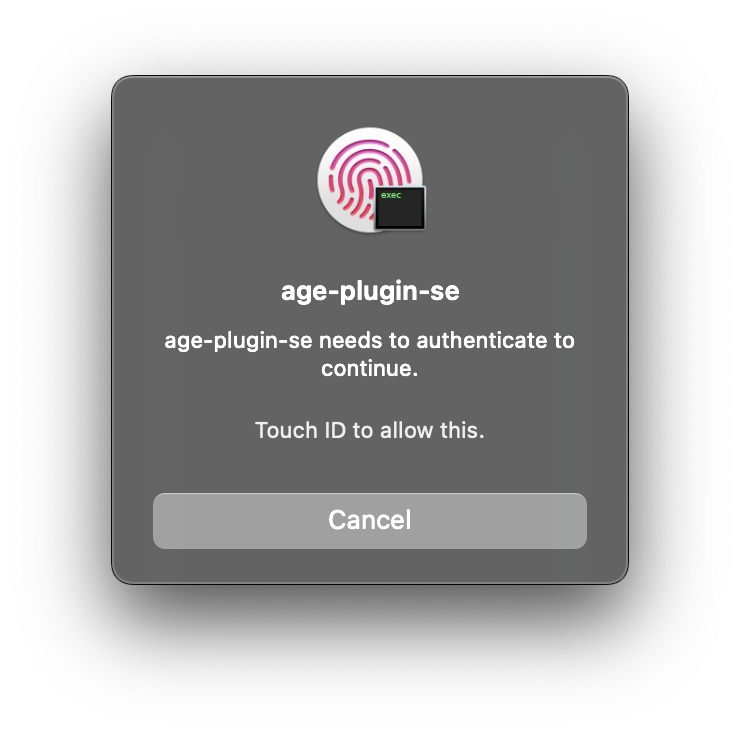
$ age --decrypt -i key.txt data.tar.gz.age > data.tar.gz
Requirements
To generate identity files and decrypt encrypted files, you need a Mac running macOS 13 (Ventura) with a Secure Enclave processor.
For encrypting files, you need macOS 13 (Ventura), Linux, or Windows. A Secure Enclave processor is not necessary.
Installation
Homebrew
Coming when v1.0 is released
Pre-built binary
- Download a binary from the releases page
- Extract the package
- (Windows only) Download and install Swift
- (macOS only) Trust
age-plugin-seonce by Control-clicking the file in Finder, choosing Open, and confirming trust - Move
age-plugin-seto somewhere on your executable path (e.g./usr/local/bin)
Building from source
-
(non-macOS only) Download and install Swift
-
Clone the source code repository or get a source package from the releases page
-
Build the plugin
make -
Install the plugin
sudo make install PREFIX=/usr/local
Usage
age-plugin-se keygen [-o OUTPUT] [--access-control ACCESS_CONTROL]

Options:
  -o, --output OUTPUT               Write the result to the file at path OUTPUT

  --access-control ACCESS_CONTROL   Access control for using the generated key.

        Supported values: none, passcode,
          any-biometry, any-biometry-and-passcode, any-biometry-or-passcode,
          current-biometry, current-biometry-and-passcode
        Default: any-biometry-or-passcode.

        When using current biometry, adding or removing a fingerprint stops the
        key from working. Removing an added fingerprint enables the key again.
Development
Build the plugin
make
Make sure .build/debug/age-plugin-se is in your execution path (or softlinked from a folder in your path), so age can find the plugin.
Tests
To run the unit tests:
make test
To get a coverage report of the unit test:
make test COVERAGE=1
If you want an HTML version of the coverage report, make sure llvm-coverage-viewer is installed.
To run a smoke test:
make smoke-test